CWNE Case Study Essay
Nobody Told the Network
A Wi-Fi First Production Facility and the Lessons That Followed
Going Wi-Fi First
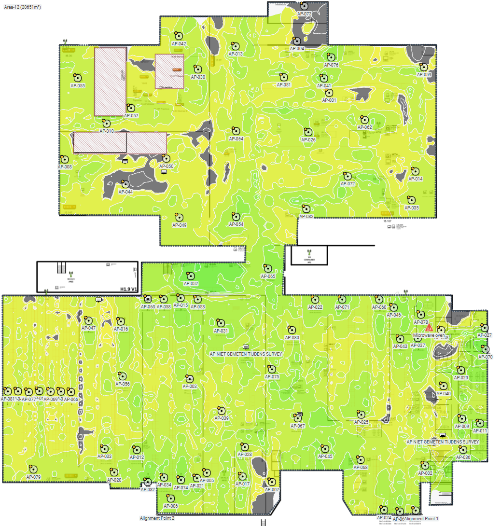
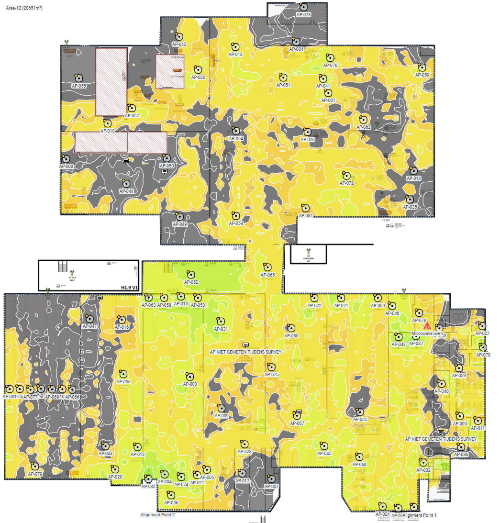
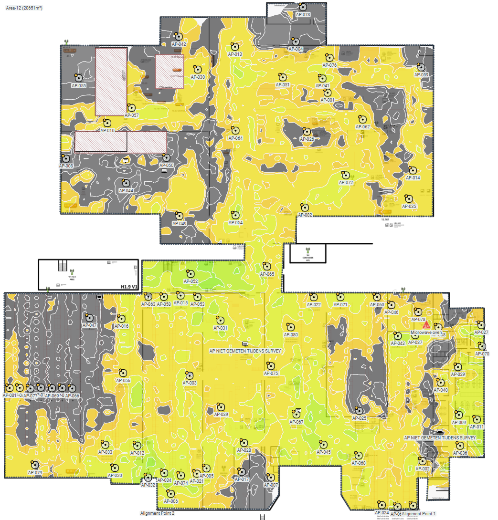
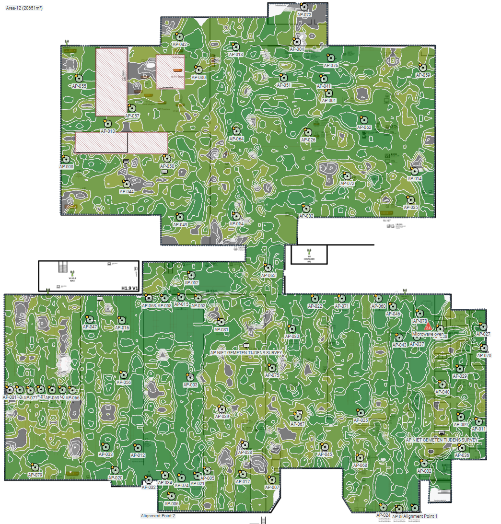
A production and warehouse facility decided to go fully Wi-Fi first. No more cabled desks. Scanners, phones, and workstations would all run wireless. Before starting the redesign, I performed a complete validation audit of the existing network to establish a baseline.
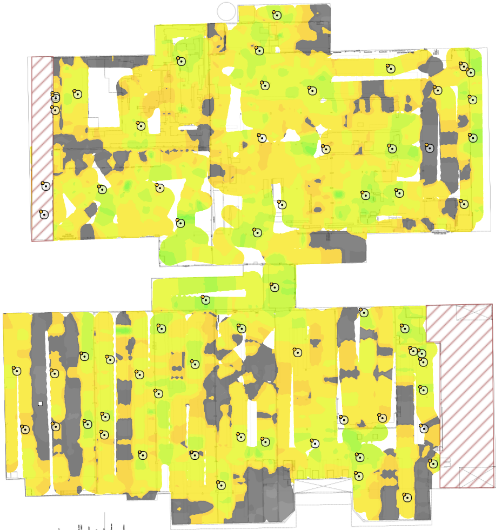

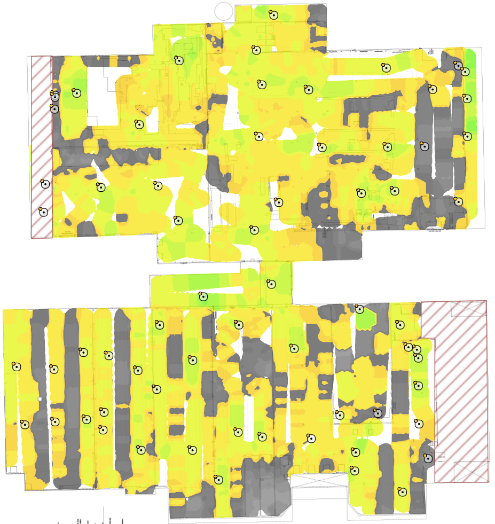
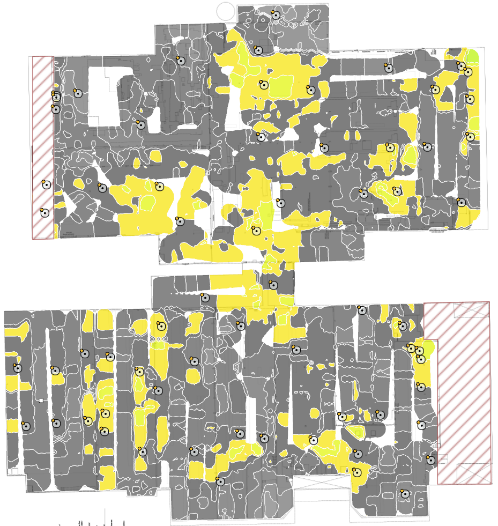
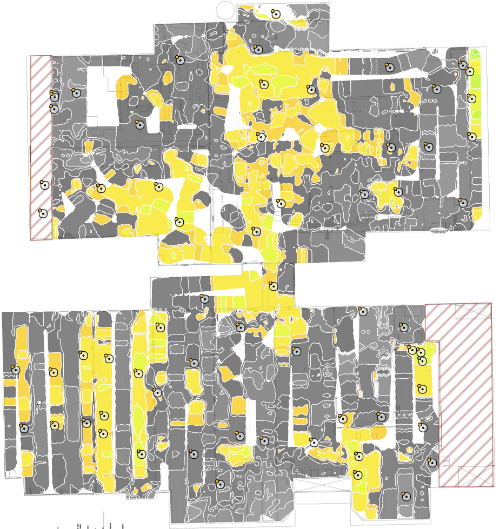
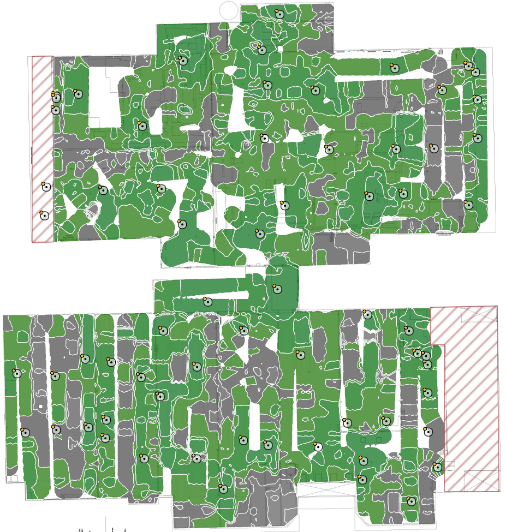

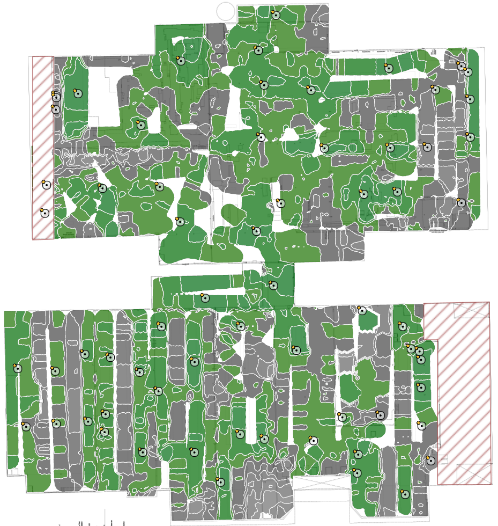
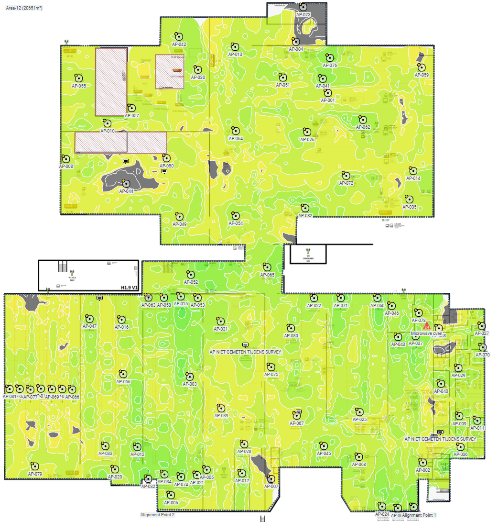
The audit confirmed what the transition demanded: the existing network was not built for this load. Capacity was insufficient, roaming was unreliable, and coverage was shaped by omnidirectional antennas. Where omnidirectional antennas serve open office environments well, production facilities and warehouses present a different challenge. Signal spreading in every direction means reaching clients at lower power levels, lower data rates, and with more co-channel interference than necessary. The redesign replaced omnidirectional antennas with directional ones, focusing signal where the work actually happened in the production and warehouse areas. Capacity increased, roaming parameters were tuned, and the network was validated against the new requirements before handover. Wi-Fi had moved from nice-to-have to mission-critical.
The LCMI Arrives Unannounced
LCMI stands for Least Capable Most Important Device. This concept refers to the device on the network that has the lowest wireless capabilities but plays a critical role in daily operations.
Weeks after handover, complaints started arriving. A specific cart — a CoW, Cart on Wheels — was dropping connectivity intermittently. The CoW carried a Raspberry Pi mounted inside a metal enclosure using an external USB-antenna, running a production scanning application over Wi-Fi.
On-site investigation began with the fundamentals. The Ekahau Sidekick 2 was used to validate coverage, roaming behaviour, and co-channel interference across the affected area. A spectrum analysis ruled out external interferers. Everything checked out. The next step was a packet capture taken while walking alongside the CoW, collecting the frames it was exchanging with the network over the air.
The device was roaming in an unpredictable, inconsistent way, associating with distant APs at poor signal levels while ignoring closer ones. It would hold onto a degrading association far too long — long enough to lose connectivity to both the network and the database it depended on. Once that happened, the database had to be rebuilt to restore the picking orders for the operator. A conversation with the developer of the CoW application followed, to explore whether a solution could be implemented at that level.
The resolution required more than a single parameter change. The wpa_supplicant configuration was tuned across several dimensions: association was restricted to a defined set of APs using bssid_whitelist, and background scanning behaviour was made more aggressive with bgscan set to trigger a roam at -55 dBm.
network={
    ssid="SSID"
    bssid_whitelist=xx:xx:xx:xx:xx:xx yy:yy:yy:yy:yy:yy
    psk="presharedkey"
    bgscan="simple:5:-55:30"
    scan_ssid=0
    key_mgmt=WPA-PSK
    pairwise=CCMP
    group=CCMP
    proto=RSN
}
Packet capture analysis was essential to reaching this conclusion. The over-the-air frames told a clear story: repeated reassociation requests to distant APs, weak signal levels at the time of association, and no roaming attempts despite steadily degrading RSSI. Without that frame-level evidence, the complaint would have remained a vague connectivity issue with no actionable root cause.
Resolving this requires troubleshooting beyond the cloud management platform. The dashboard showed a disconnected device — but not why. Working through the problem layer by layer, from coverage validation to spectrum analysis to frame-level packet capture, is what was needed. This skillset is trained during CWAP.
Nobody Told the Network About the Walls Either
Sometime later, a different set of complaints came in. Coverage in parts of the warehouse had degraded. On-site investigation revealed the cause: the customer had installed a coffee corner and a dedicated desk space for supervisors inside the warehouse. Nobody had informed me about the environmental change.
The coffee corner was blocking one of the APs, creating a dead spot behind it. This impacted not only regular users but also the CoWs, as the new obstruction was blocking one of the BSSIDs configured in the wpa_supplicant file of the Raspberry Pi.
The newly installed workspace was a bigger problem. A building within a building constructed from 18cm thick metallic insulated sandwich panels with triple-layered soundproof glass, heavily attenuating the wireless signals.
In an attempt to compensate, the local IT department raised the transmit power of all APs in that zone to the maximum regulatory limit, hoping to fill the coverage gap. The environment was making it bad, the transmit power worse.
In the end the real fix was straightforward: relocate the blocked AP, provide decent coverage and roaming inside the new workspace, and re-tune the transmit power to what it was before.
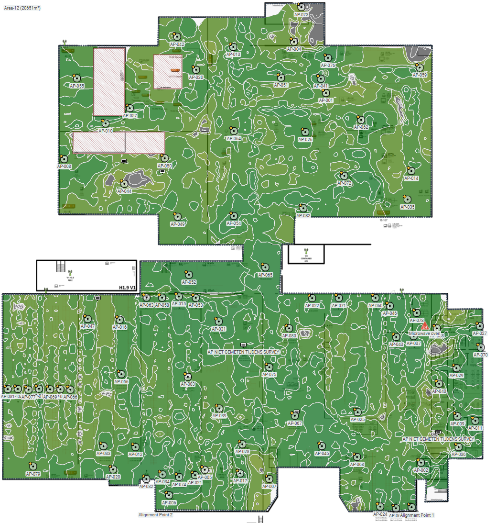
Due to privacy constraints, no pictures of the production hall can be shared.
What This Case Taught Me
- It Is Rarely Wi-Fi. The CoW connectivity issue was diagnosed and escalated as a Wi-Fi problem. The network was performing correctly. The issue was a Linux device running untuned default roaming logic. Identifying the real source of the problem required going below the surface of the complaint.
- The Dashboard Shows What, Not Why. Resolving this required taking troubleshooting beyond the cloud management platform. The dashboard showed a disconnected device, but not why. Working through the problem layer by layer, from coverage validation to spectrum analysis to frame-level packet capture, is what was needed. A skillset that is being learned during CWAP training.
- Wi-Fi Designs Are Not Permanent. Physical changes inside a building are RF changes. A wall, a partition, a new enclosed space, each one reshapes the propagation environment the design was built around. This engagement had both: an undocumented device and an undocumented construction change, each arriving after handover, each causing a failure the validated network had no reason to anticipate. The lesson is not that designs fail. It is that the physical environment never stops changing, and neither engineer nor client can afford to stop paying attention to these changes.