
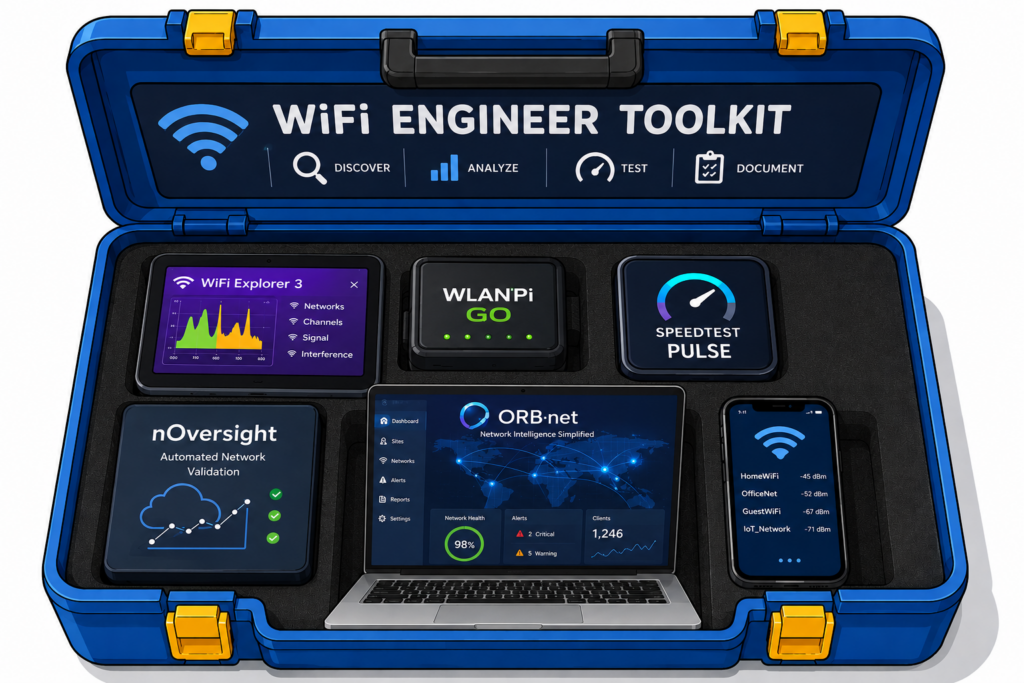
The "Lightweight" Toolkit
The "Lightweight" Toolkit
Not every great Wi-Fi tool is the size of a server rack. Some live in your pocket — and still punch well above their weight class.
As a wireless engineer, I carry a toolkit. Some tools are heavy — spectrum analysers, protocol capture software, survey platforms. They’re serious, expensive, and absolutely worth it. But this post isn’t about those. This post is about the tools that live on my phone, snap to the back of it, or quietly run in the background — lightweight by design, but anything but basic.
These are the four tools that have earned a permanent spot in my day-to-day workflow. They’re the ones I reach for when I need a quick answer on-site, when I want to validate a fix, or when a client is standing next to me and I need to show — not just tell — what’s happening on their network.
Orb https://orb.net
Orb comes from the same minds that built Speedtest and Downdetector, and it shows. Instead of a single speed test snapshot, Orb does something far more useful: it runs continuously, monitoring responsiveness, reliability, and speed from any device, all day long, without you having to think about it.
The distinction that matters here is responsiveness. Any tool can tell you your throughput. Orb tells you whether your network actually feels fast — whether DNS resolves quickly, whether packets flow without hesitation. That’s the metric that separates a great Wi-Fi experience from a merely adequate one, and it’s the metric your users actually experience during a video call or a VoIP session.
For my use, Orb is the “leave it running and come back” tool. When I’m troubleshooting a site that has intermittent complaints — the kind where everything looks fine when you’re on-site — Orb’s historical data gives me something to point at. Patterns emerge. Trends become visible. It’s the long-game equivalent of a packet capture, and it fits in your pocket.
Built by Ben Toner, nOversight is one of those tools that solves a problem the industry has quietly lived with for years: Apple locks down iOS like a vault. You couldn’t see what an iPhone was actually doing on your Wi-Fi — what it was connecting to, when it decided to roam, why it dropped.
nOversight changes that. By surfacing the diagnostic logs that Apple quietly generates under the hood, it lets you see real RSSI in dBm, roaming events, authentication decisions, and which access point the device is actually associated to — not just the SSID. It can tell you whether a roam was triggered by the network (via BSS Transition Management) or by the client throwing in the towel on its own.
The iOS app now includes live Wi-Fi signal view as you walk, AR mode to visualise coverage against the real world, and on-device processing only — your data never leaves the phone. The macOS companion app adds the ability to use a connected iPhone as a diagnostic probe, which is a workflow I use regularly during site validation. “
WiFi Explorer https://www.intuitibits.com
Every wireless engineer needs a scanner. WiFi Explorer from Intuitibits is the gold standard — clean, precise, and deep enough to show you not just channel and SSID but BSS load, vendor OUI, supported rates, security details, and signal history over time.
What elevates this tool beyond a basic scanner is the signal history graph. When you’re doing a quick sanity check on channel utilisation before a deployment, or verifying that your APs are transmitting on the channels you configured, having a live view that updates in real time and keeps a rolling history means you catch transient interference events, not just the steady-state picture.
WiFi Explorer is also useful as a teaching tool with clients and junior engineers — the visual layout makes it easy to point at a screen and explain why something isn’t working as expected. Sometimes the most powerful diagnostic is simply showing someone what’s actually there
WLAN Pi Go https://www.wlanpi.com
The WLAN Pi project has been around since 2016, born from a group of wireless engineers who wanted an affordable, open-source field tool that did what they actually needed on the job. The Go is the latest evolution of that project — and it’s something genuinely new.
It’s credit-card sized. It snaps to the back of your iPhone via MagSafe. It draws power from your phone’s USB-C port. And inside, it packs an Intel BE200 Wi-Fi 7 chipset, support for the 6 GHz band, passive scanning, packet capture, and device profiling. Connect the optional Oscium Wi-Spy Lucid and you have tri-band spectrum analysis on the back of your phone.
What makes the Go special isn’t just the hardware — it’s the philosophy. It’s open source, community-built, and its API is fully exposed, meaning you can write your own apps and tools against it if you want to go deeper. The ecosystem is tight-knit and deliberately built for real-world engineering work, not marketing demos.
Speedtest Pulse https://www.ookla.com/speedtest-pulse
One tool I’m genuinely looking forward to adding to my backpack is Speedtest Pulse by Ookla. It’s a pocket-sized physical device with a magnetic ring attachment for your phone and its own 2.1” AMOLED touchscreen. Inside sits an Intel BE200 Wi-Fi 7 radio covering 2.4, 5, and 6 GHz, plus a Gigabit Ethernet port for wired testing. It operates in two modes: Active Pulse runs a single guided test to instantly validate a new install or pinpoint where a problem lives — on Wi-Fi, on the wired connection, or in the internet delivery itself.
Continuous Pulse, due in 2026, will add autonomous background testing to establish baselines and catch intermittent degradation before users do. For a frontline wireless engineer, having that combination — immediate validation and longitudinal monitoring — in one device the size of a deck of cards is exactly the kind of tool I want in my bag.
Disclaimer: no Speedtest Pulse unit was harmed in the writing of this post, mainly because Ookla hasn’t sent me one yet. There’s a conspicuously empty spot in my toolkit. I have a lot of Wi-Fi available for testing. Ookla, you know where to find me. I’m just saying.
What these tools have in common is not their price point or their form factor. It’s their intent. Each one was built because someone in the wireless community saw a gap — something that professionals actually needed in the field — and decided to fill it.
That’s how the best tools get made !